

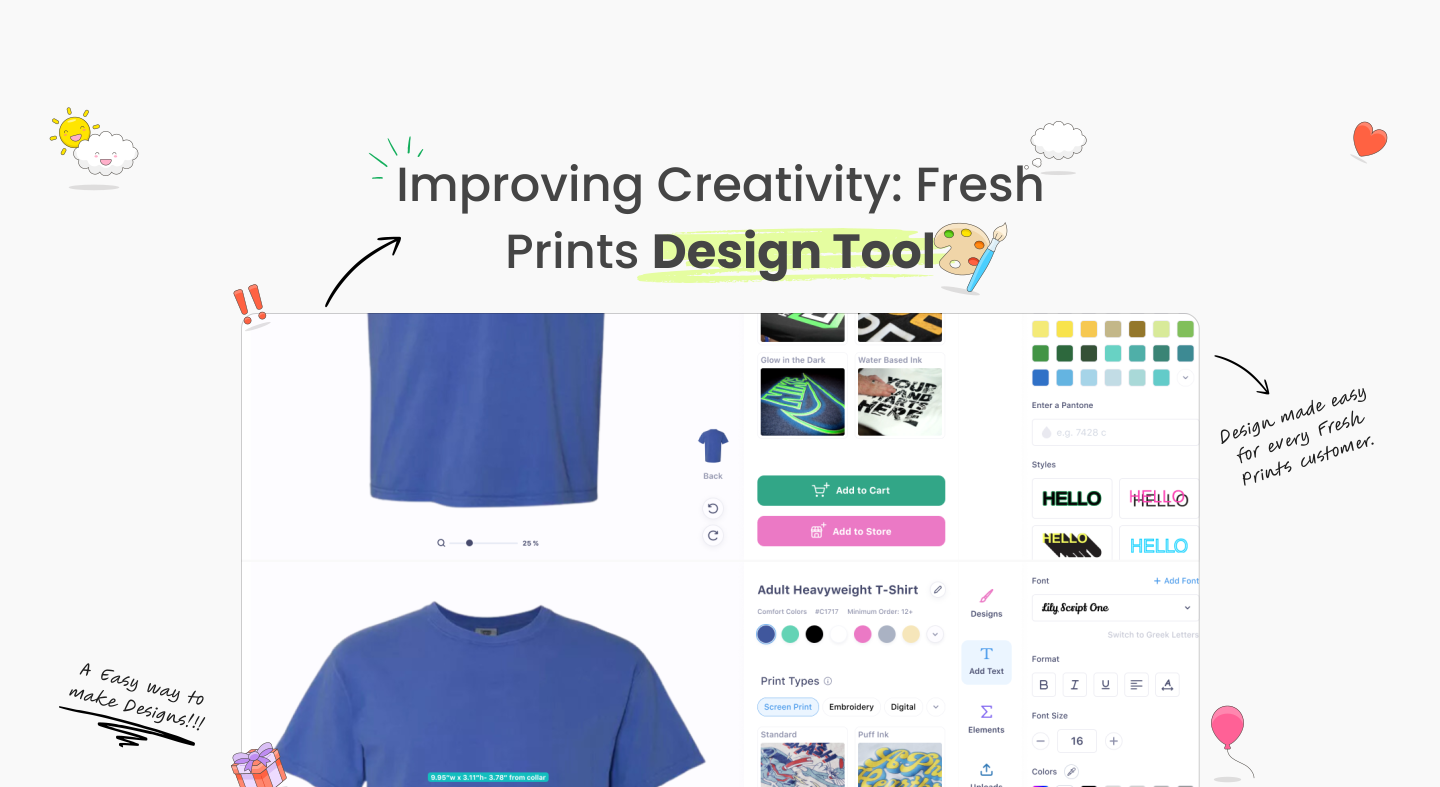
What the FreshPrints design tool is about?
Custom apparel design can feel intimidating for non-designers.
The FreshPrints design tool was built to make creating and ordering custom apparel feel simple and guided.
Our target audience?
Primary users
Students, teams, and organizations ordering custom apparel, often without design experience.
Secondary users
Returning customers who want faster edits, previews, and reorders.
So what makes this any different?
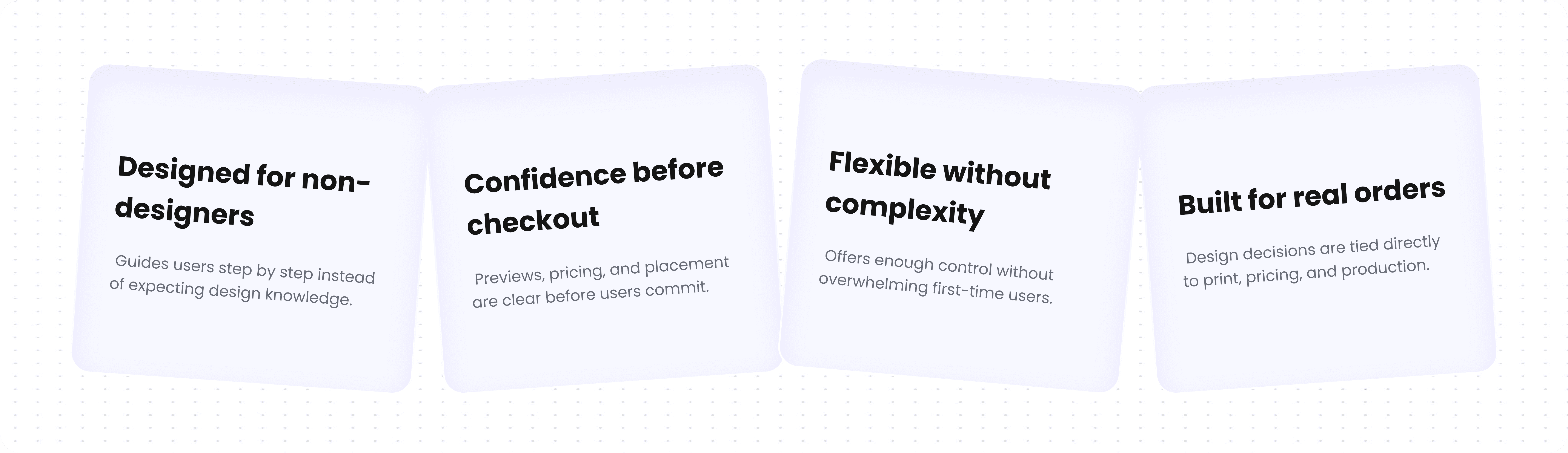
Problems
Manual Order made Drop-offs
Users abandoned orders due to time-consuming manual design submissions.
Inefficient Design Preview
Slow email loops delayed edits, frustrating customers and wasting team time.
Limited Proof Visibility
Customers couldn’t easily view or approve proofs, stalling order progress.
Constraints that guided decisions
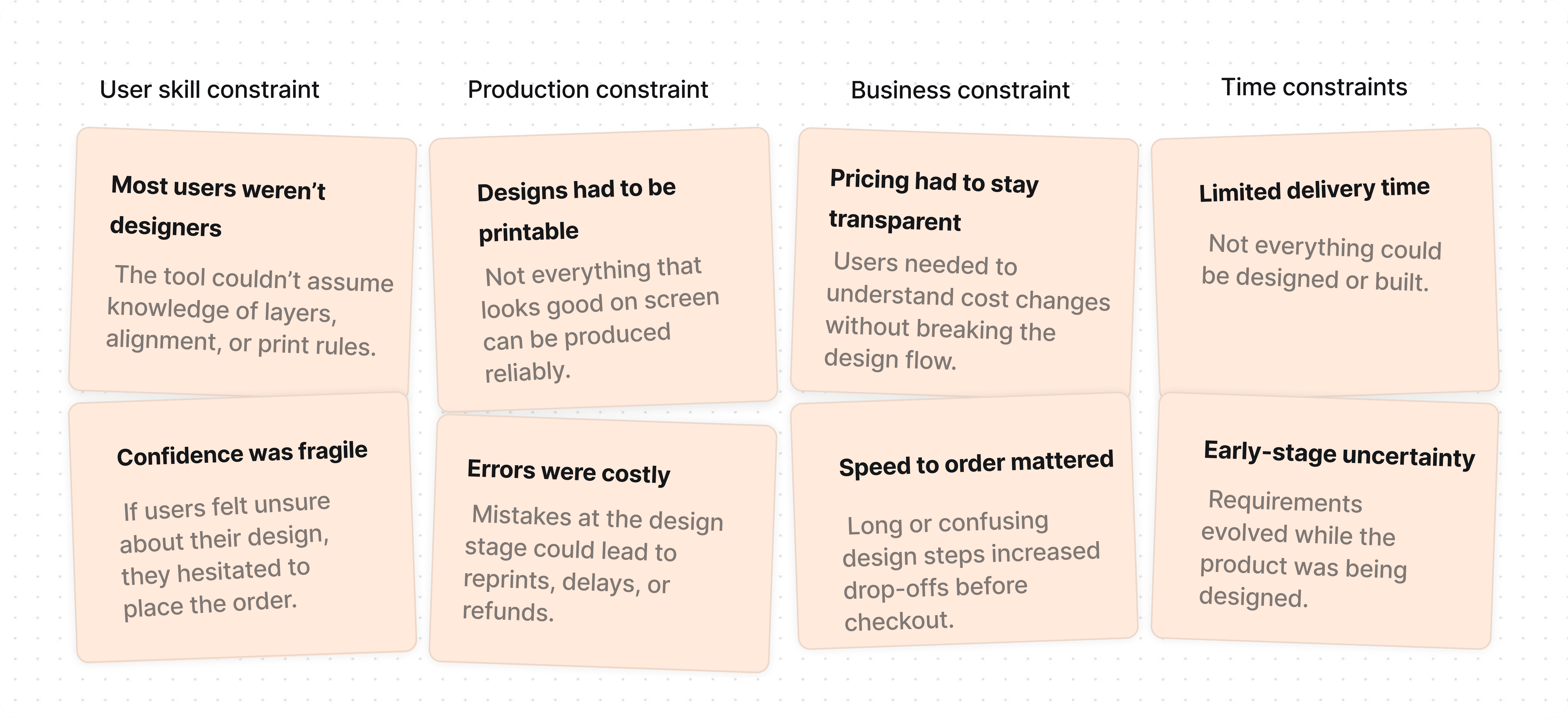
Tradeoffs

Minimal Steps vs. Full Control – Reduced clicks for simplicity, sacrificing advanced adjustments desired by expert users.

Visual Appeal vs. Data Density – Chose clean visuals, limiting how much information could be displayed simultaneously.
Consistency vs. Personalization – Ensured uniformity across flows, restricting heavy customization.
Key Impacts
40%
Faster proofing process
Reduced time taken for customers to receive and approve designs.
60%
Higher adoption by pods
Designers and sales teams preferred using the new tool over legacy systems.
Here's What I Did As A Designer:
Simplified the design flow so non-designers could create print-ready designs confidently
Reduced drop-offs by guiding users step by step, instead of exposing full control upfront
Designed previews and feedback to match real production constraints, not just visuals
Feature - 1
Real-time Guidance: Shows a prompt if design goes outside the print area.
Error Prevention: Prevents accidental placement that could rise print issues.
User-Friendly UX: Keeps feedback clear, non-intrusive, and easy to act on.

Feature - 2
Type to Create: Users can describe what they want, and AI turns it into an image instantly.
Editable SVGs: Generated images are in SVG format easy to customize, resize, or tweak.
Fast & Intuitive: Removes the need for external tools, speeding up the creative process within the design tool.

Feature - 3
Easy Upload: Users can upload any PNG, and it’s auto-converted into editable SVG.
Smart Detection: The system auto-detects the correct printable area to place the design.
Full Control: Users can edit individual colors or elements without needing external tools.

Design Intervention - 1
After uploading a design, users now see which print types are compatible,and which aren’t, with reasons. This quick check prevents guesswork, sets clear expectations, and cuts down revision time significantly.

Design Intervention - 2
Designed an intuitive chatbot that lets users create and edit shirt designs through simple conversation no tools needed. As they chat, the design updates live, making customization feel seamless and human.

Results
The Fresh Prints Design Tool launch reduced support tickets, sped up order approvals, and boosted user satisfaction, engagement, and repeat usage.

My growth as a designer

Growth Through Iteration
I learned real design isn’t final. Iterations became the language of trust, clarity, and adaptability.
Bridging Ideas to Systems
The hardest part wasn’t screens, but translating sketches into reliable, reusable structures for scale.
Designing with Time
I saw time not just as savings, but as a design material, shaping flows and easing each decision.
Simplicity Over Clutter
Every feature felt tempting, but growth came from restraint—keeping only what made the tool breathe.
If you liked that, you’ll probably love these too!

No need to Swipe Right
No need to Swipe Right
I think we’re a perfect match. Let's design, build and create beautiful experiences together.
Talk Design Over Chai?

A cat person
Photography
Hi, it's me :)
What the FreshPrints design tool is about?
Custom apparel design can feel intimidating for non-designers.
The FreshPrints design tool was built to make creating and ordering custom apparel feel simple and guided.
Our target audience?
Primary users
Students, teams, and organizations ordering custom apparel, often without design experience.
Secondary users
Returning customers who want faster edits, previews, and reorders.
So what makes this any different?
Problems
Manual Order made Drop-offs
Users abandoned orders due to time-consuming manual design submissions.
Inefficient Design Preview
Slow email loops delayed edits, frustrating customers and wasting team time.
Limited Proof Visibility
Customers couldn’t easily view or approve proofs, stalling order progress.
Constraints that guided decisions
Tradeoffs
Minimal Steps vs. Full Control – Reduced clicks for simplicity, sacrificing advanced adjustments desired by expert users.
Visual Appeal vs. Data Density – Chose clean visuals, limiting how much information could be displayed simultaneously.
Consistency vs. Personalization – Ensured uniformity across flows, restricting heavy customization.
Key Impacts
40%
Faster proofing process
Reduced time taken for customers to receive and approve designs.
60%
Higher adoption by pods
Designers and sales teams preferred using the new tool over legacy systems.
Here's What I Did As A Designer:
Simplified the design flow so non-designers could create print-ready designs confidently
Reduced drop-offs by guiding users step by step, instead of exposing full control upfront
Designed previews and feedback to match real production constraints, not just visuals
Balanced flexibility with guardrails to prevent costly print and pricing errors
Feature - 1
Real-time Guidance: Shows a prompt if design goes outside the print area.
Error Prevention: Prevents accidental placement that could rise print issues.
User-Friendly UX: Keeps feedback clear, non-intrusive, and easy to act on.
Feature - 2
Type to Create: Users can describe what they want, and AI turns it into an image instantly.
Editable SVGs: Generated images are in SVG format easy to customize, resize, or tweak.
Fast & Intuitive: Removes the need for external tools, speeding up the creative process within the design tool.
Feature - 3
Easy Upload: Users can upload any PNG, and it’s auto-converted into editable SVG.
Smart Detection: The system auto-detects the correct printable area to place the design.
Full Control: Users can edit individual colors or elements without needing external tools.
Design Intervention - 1
After uploading a design, users now see which print types are compatible,and which aren’t, with reasons. This quick check prevents guesswork, sets clear expectations, and cuts down revision time significantly.
Design Intervention - 2
Designed an intuitive chatbot that lets users create and edit shirt designs through simple conversation no tools needed. As they chat, the design updates live, making customization feel seamless and human.
Results
The Fresh Prints Design Tool launch reduced support tickets, sped up order approvals, and boosted user satisfaction, engagement, and repeat usage.
My growth as a designer
Growth Through Iteration
I learned real design isn’t final. Iterations became the language of trust, clarity, and adaptability.
Bridging Ideas to Systems
The hardest part wasn’t screens, but translating sketches into reliable, reusable structures for scale.
Designing with Time
I saw time not just as savings, but as a design material, shaping flows and easing each decision.
Simplicity Over Clutter
Every feature felt tempting, but growth came from restraint—keeping only what made the tool breathe.
If you liked that, you’ll probably love these too!
What the FreshPrints design tool is about?
Custom apparel design can feel intimidating.
The FreshPrints design tool makes creating and ordering custom products simple and guided.
Our target audience?
Primary users
Students and teams ordering custom apparel without design experience.
Secondary users
Returning customers making quick edits or reorders.
So what makes this any different?
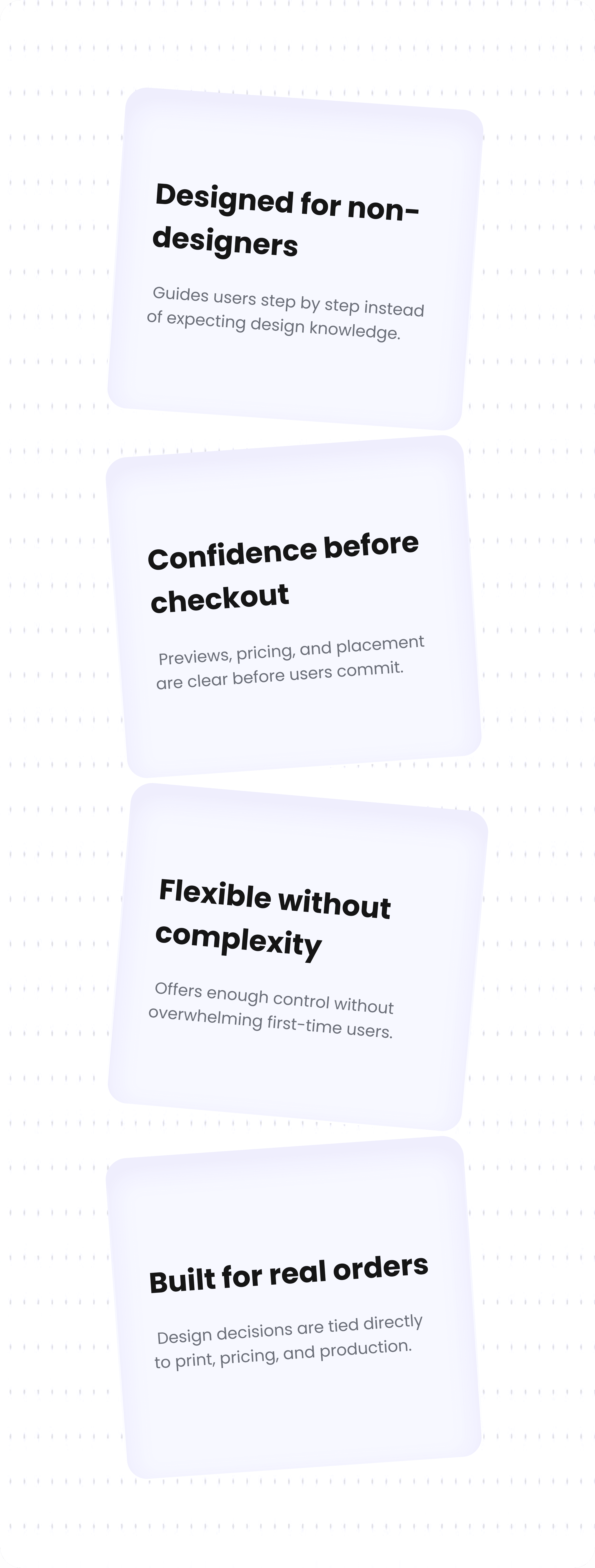
Problems
Manual Order made Drop-offs
Users abandoned orders due to time-consuming manual design submissions.
Inefficient Design Preview
Slow email loops delayed edits, frustrating customers and wasting team time.
Limited Proof Visibility
Customers couldn’t easily view or approve proofs, stalling order progress.
Constraints that guided decisions
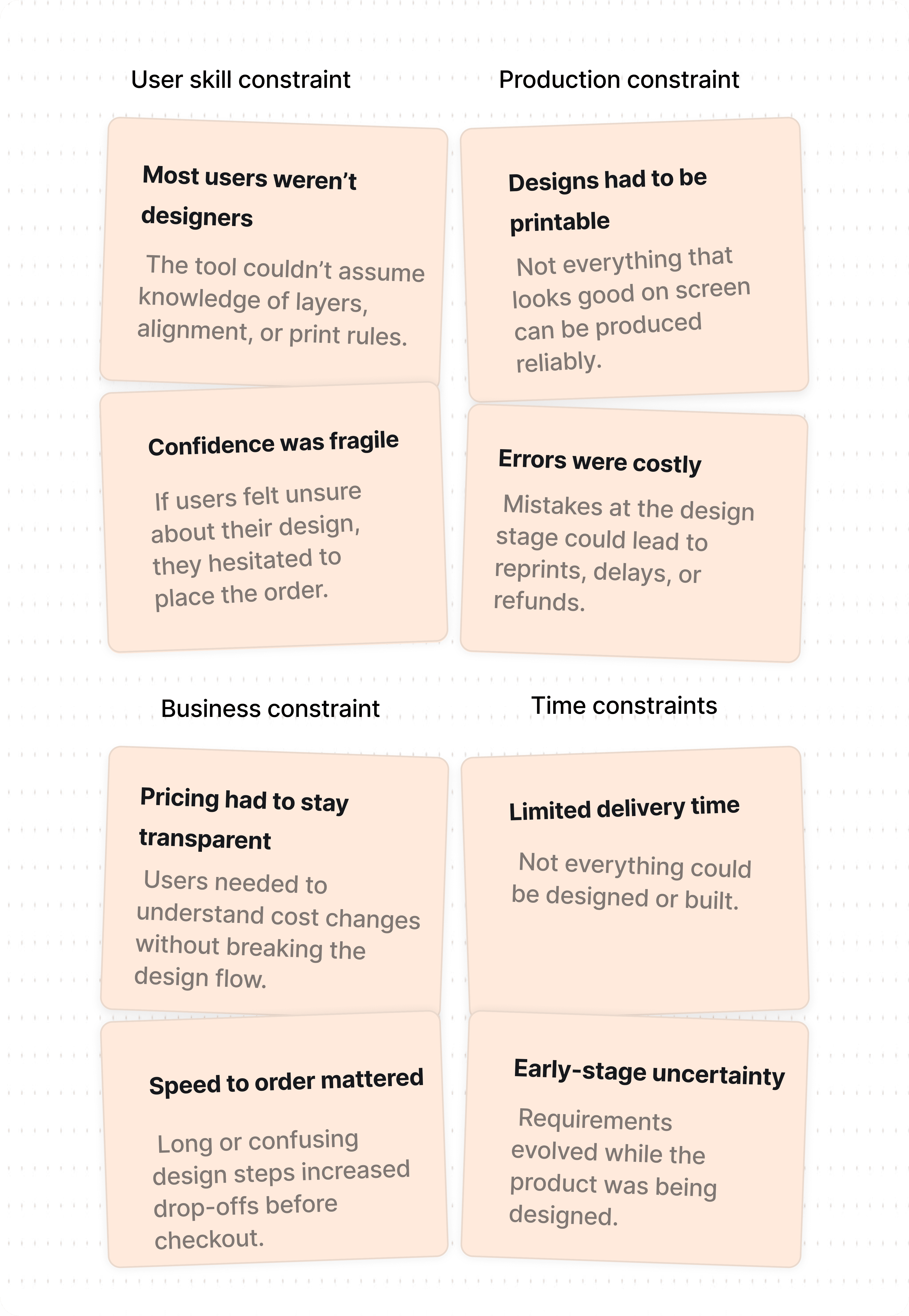
Tradeoffs
Minimal Steps vs. Full Control – Reduced clicks for simplicity, sacrificing advanced adjustments desired by expert users.
Visual Appeal vs. Data Density – Chose clean visuals, limiting how much information could be displayed simultaneously.
Consistency vs. Personalization – Ensured uniformity across flows, restricting heavy customization.
Key Impacts
40%
Faster proofing process
Reduced time taken for customers to receive and approve designs.
60%
Higher adoption by pods
Designers and sales teams preferred using the new tool over legacy systems.
Here's What I Did As A Designer:
Simplified the flow so non-designers could design confidently
Guided users step by step instead of exposing full control
Aligned previews with real print and pricing constraints
Added guardrails to prevent costly errors
Feature - 1
Real-time Guidance: Shows a prompt if design goes outside the print area.
Error Prevention: Prevents accidental placement that could rise print issues.
User-Friendly UX: Keeps feedback clear, non-intrusive, and easy to act on.
Feature - 2
Type to Create: Users can describe what they want, and AI turns it into an image instantly.
Editable SVGs: Generated images are in SVG format easy to customize, resize, or tweak.
Fast & Intuitive: Removes the need for external tools, speeding up the creative process within the design tool.
Feature - 3
Easy Upload: Users can upload any PNG, and it’s auto-converted into editable SVG.
Smart Detection: The system auto-detects the correct printable area to place the design.
Full Control: Users can edit individual colors or elements without needing external tools.
Design Intervention - 1
After uploading a design, users now see which print types are compatible,and which aren’t, with reasons. This quick check prevents guesswork, sets clear expectations, and cuts down revision time significantly.
Design Intervention - 2
Designed an intuitive chatbot that lets users create and edit shirt designs through simple conversation no tools needed. As they chat, the design updates live, making customization feel seamless and human.
Results
The Fresh Prints Design Tool launch reduced support tickets, sped up order approvals, and boosted user satisfaction, engagement, and repeat usage.
My growth as a designer
Growth Through Iteration
I learned real design isn’t final. Iterations became the language of trust, clarity, and adaptability.
Bridging Ideas to Systems
The hardest part wasn’t screens, but translating sketches into reliable, reusable structures for scale.
Designing with Time
I saw time not just as savings, but as a design material, shaping flows and easing each decision.
Simplicity Over Clutter
Every feature felt tempting, but growth came from restraint—keeping only what made the tool breathe.
If you liked that, you’ll probably love these too!